
01 / 07
It arrives.
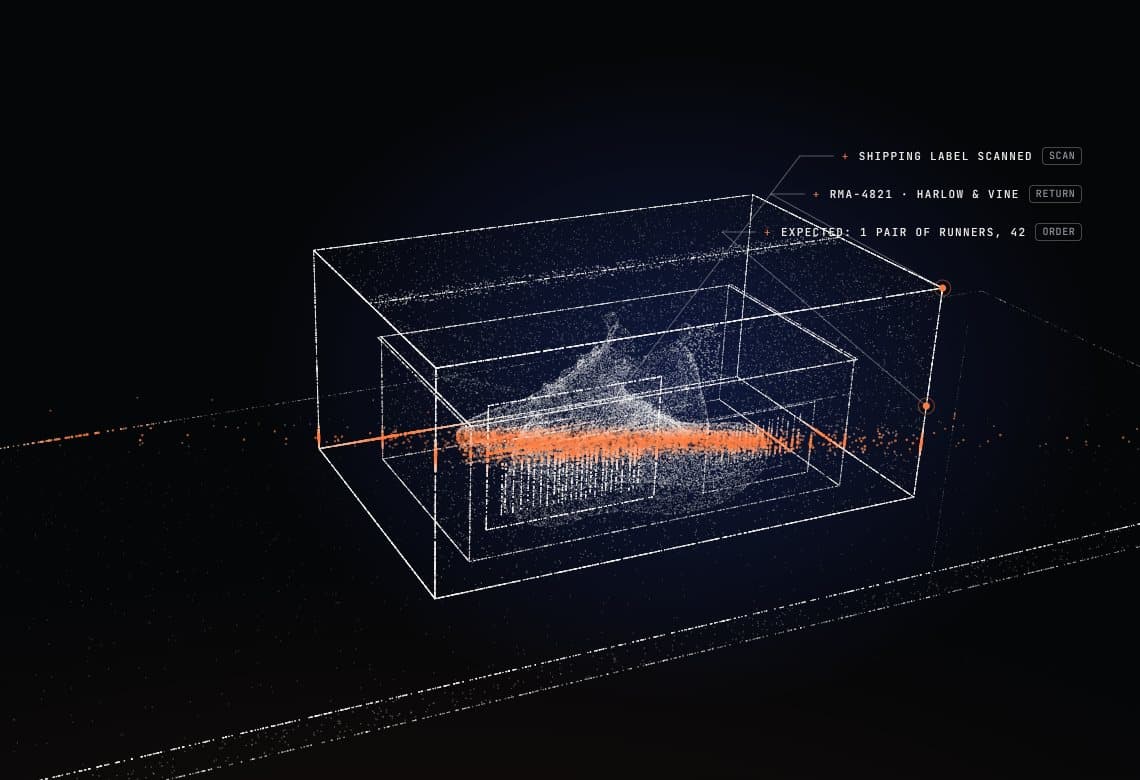
Scan the return packet or the tracking number and the return opens on its first item, with who sent it and what should be inside.
A unit that arrives without any record is captured as a blind return in six steps.
02 / 07
Opened.
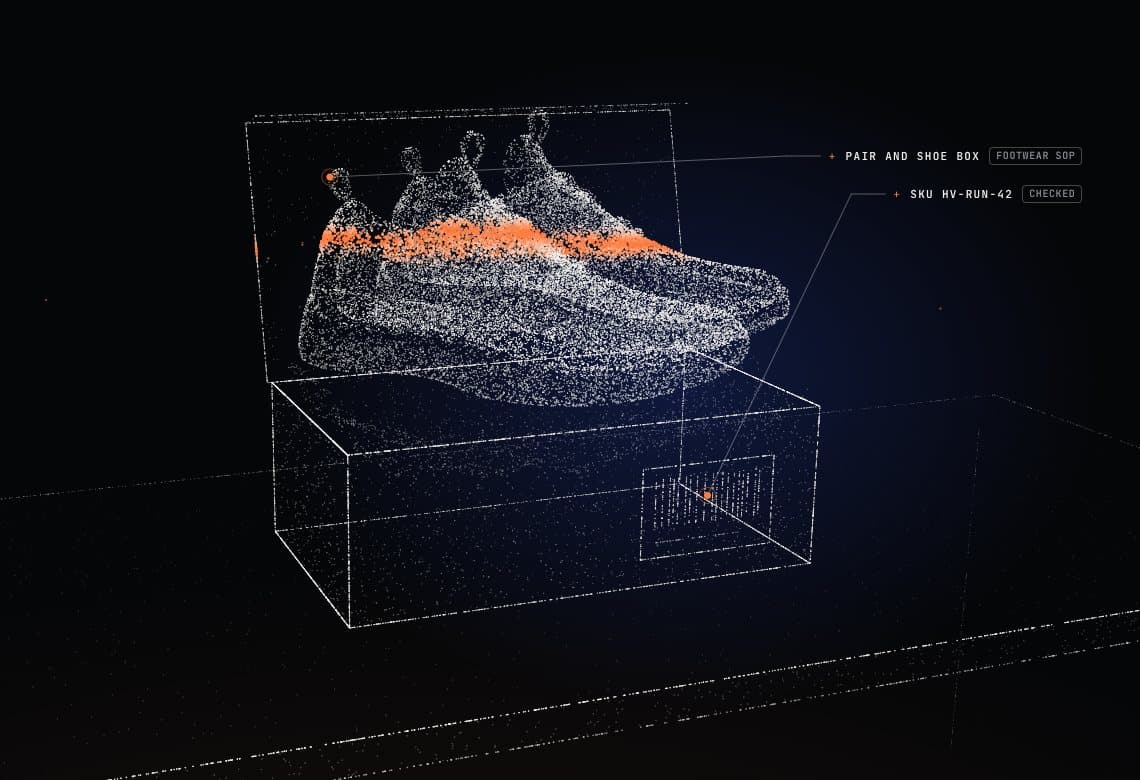
The shipping box goes, and the item and its own packaging are checked against the merchant's SOP for that product category.
The SKU on the packaging is checked against what the return expected.
03 / 07
The issue.
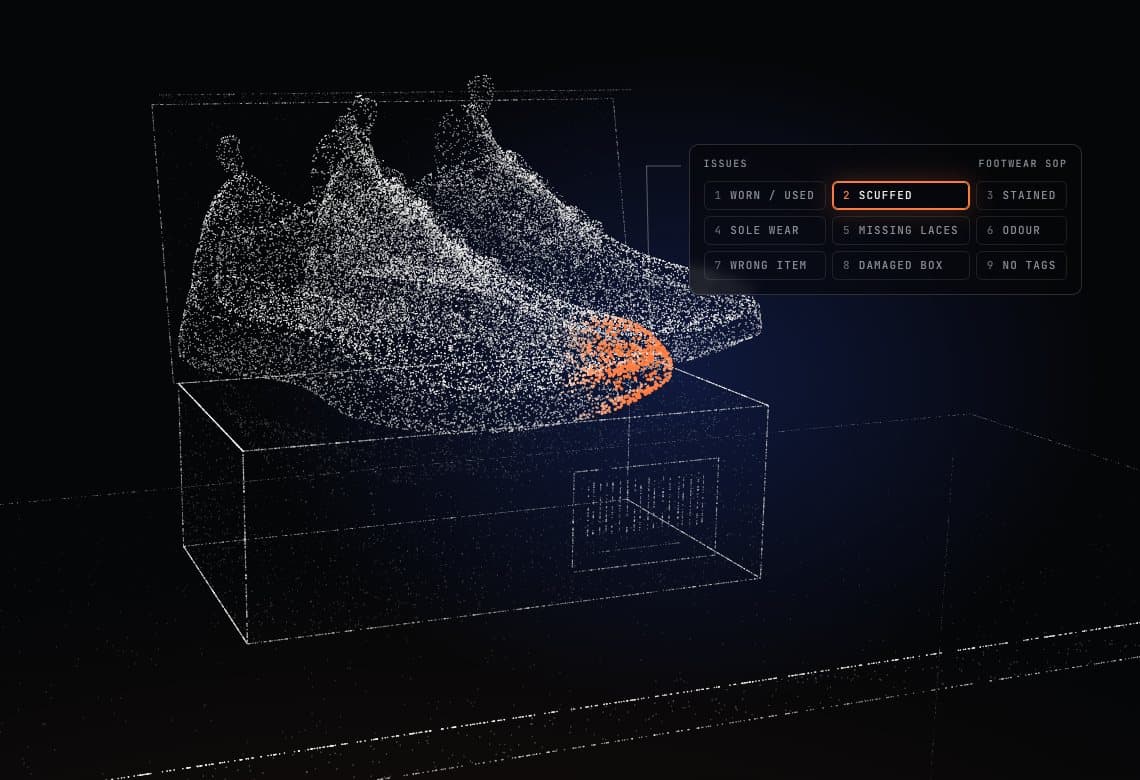
The issue grid is the merchant's SOP: keys 1 to 9 select an issue, and 0 means no defects.
The same unit gets the same grade whoever is standing at the bench.
04 / 07
The photo.
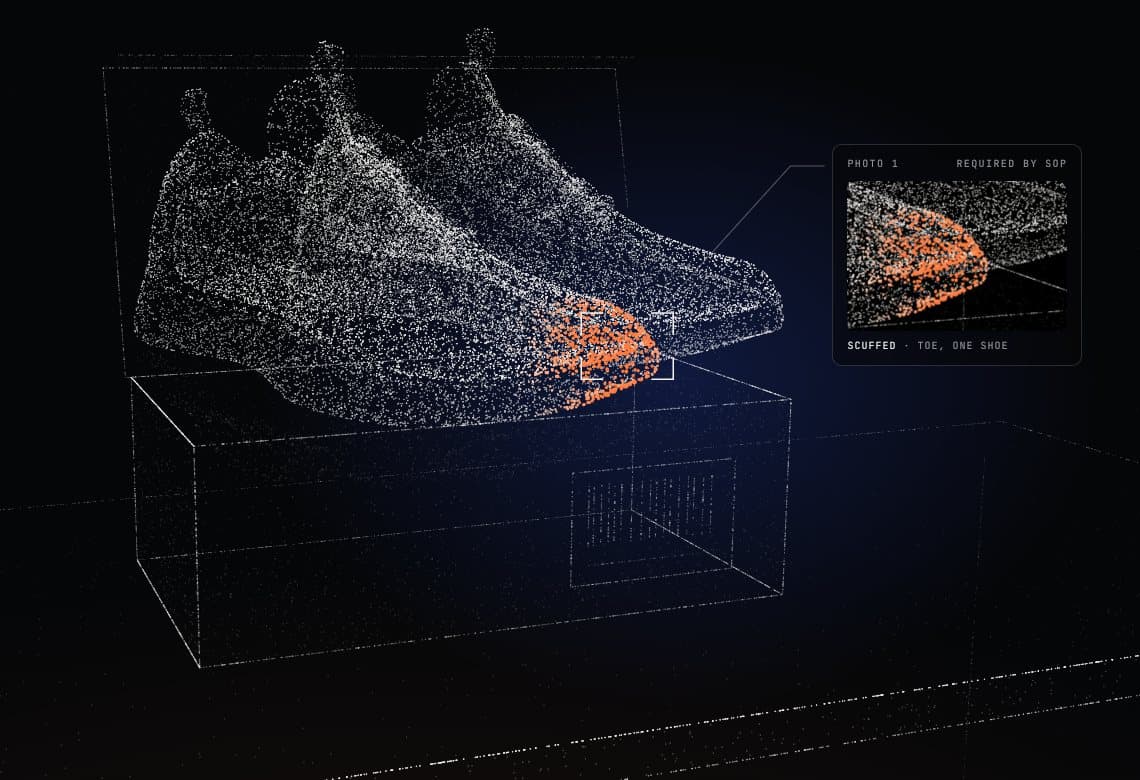
Where the SOP asks for a photo of an issue, the camera opens in the browser on the tablet and Space takes it.
The photo is stored against the issue it shows, and appears in the merchant's dashboard and in the export. Where the SOP asks for nothing, nothing gets in the way.
05 / 07
Decided.
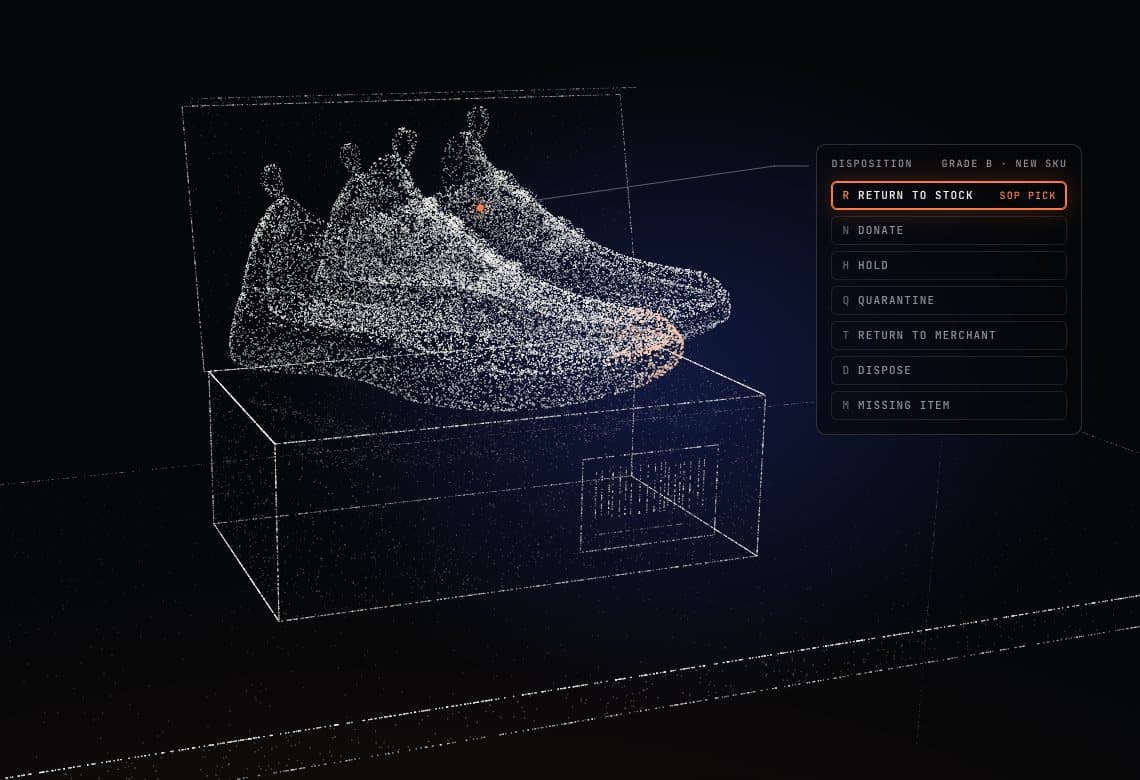
If the SOP calls for a service (repair, cleaning, repackaging), it appears with an outcome to mark and a price attached. Longer services get a printed license plate, and the SLA clock pauses while the unit is out.
Then the disposition, one key each: R Return to Stock, D Dispose, N Donate, T Return to Merchant, H Hold, Q Quarantine and M Missing Item. The SOP's recommendation is already selected, and the processor confirms it or changes it.
06 / 07
Relabelled.
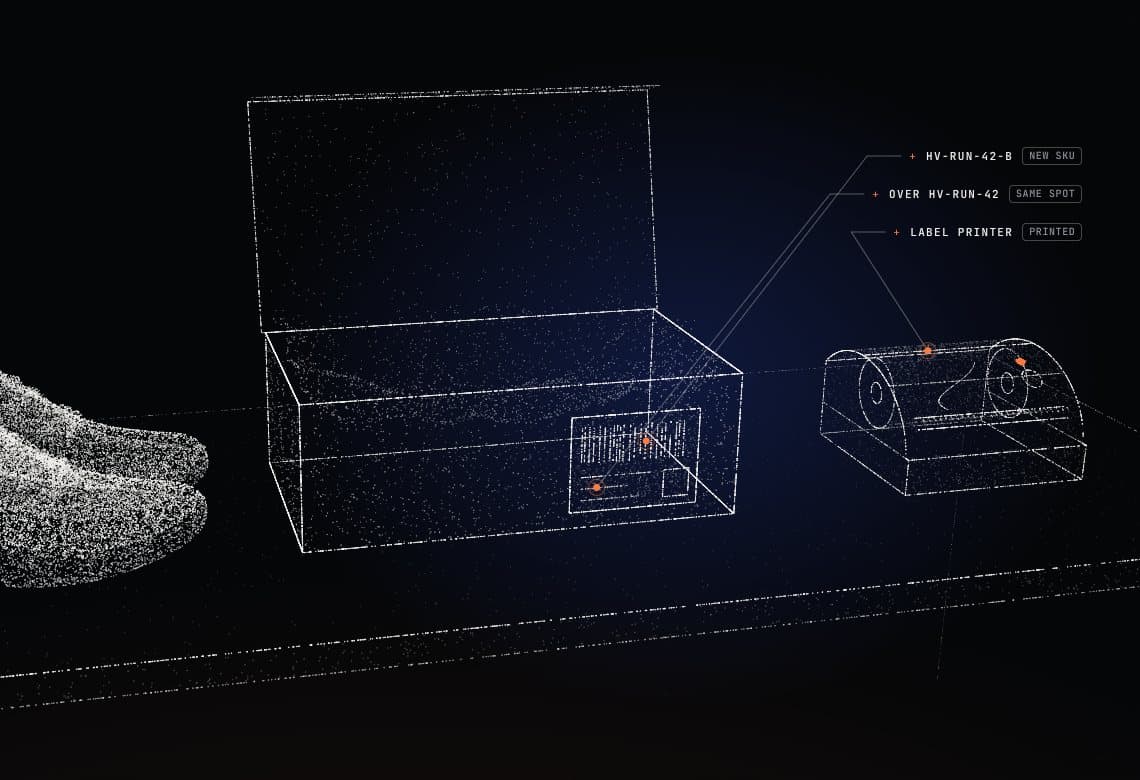
A unit restocked at a lower grade gets its own SKU through grading variants.
The label prints from the merchant's template, in Code 128, QR, EAN-13 or UPC-A.
07 / 07
Back on the shelf.
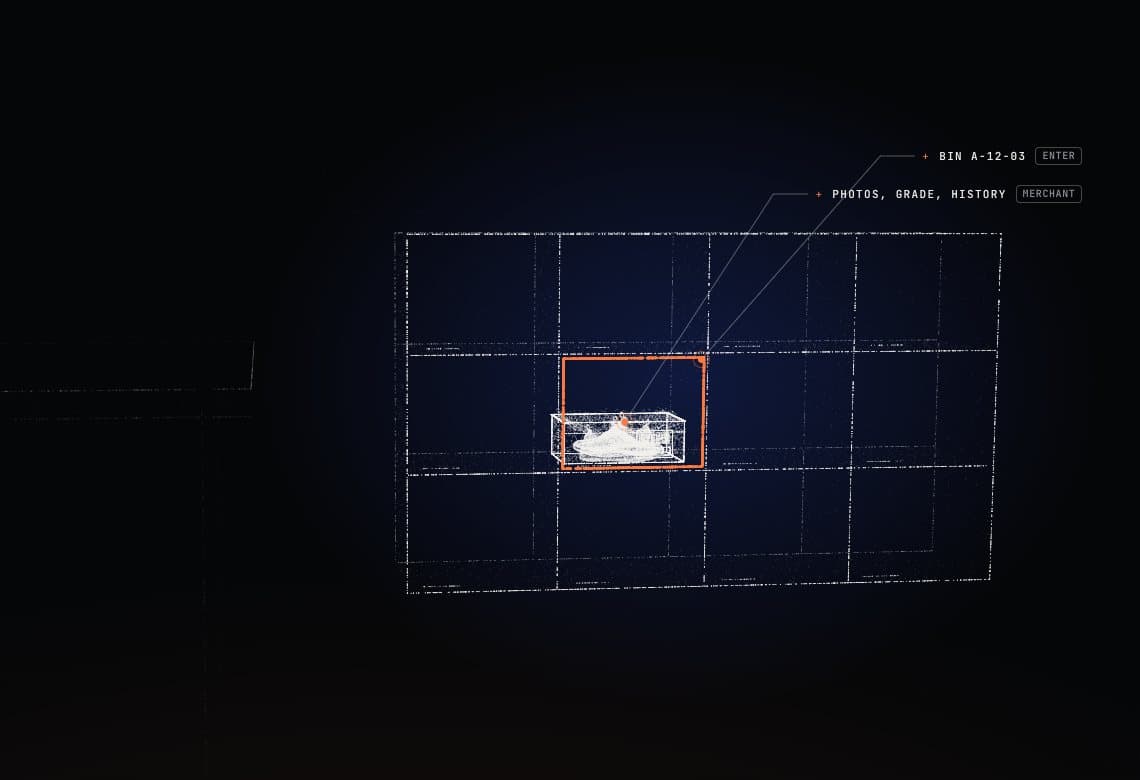
Put-away is pre-filled with the warehouse, the SKU and the bin it was last seen in, and Enter puts it away. With SkuVault, the movement is written back to your locations.
The record of the whole return, photos and grade included, was written while the work happened. The merchant sees it in their dashboard, with a ZIP export of the CSVs and photos.
At one 3PL running 3,000 returns a month, return-to-stock time went from 1:45 to 0:40.
Book a demo